EMO
Emotion journaling without having to name each emotion.
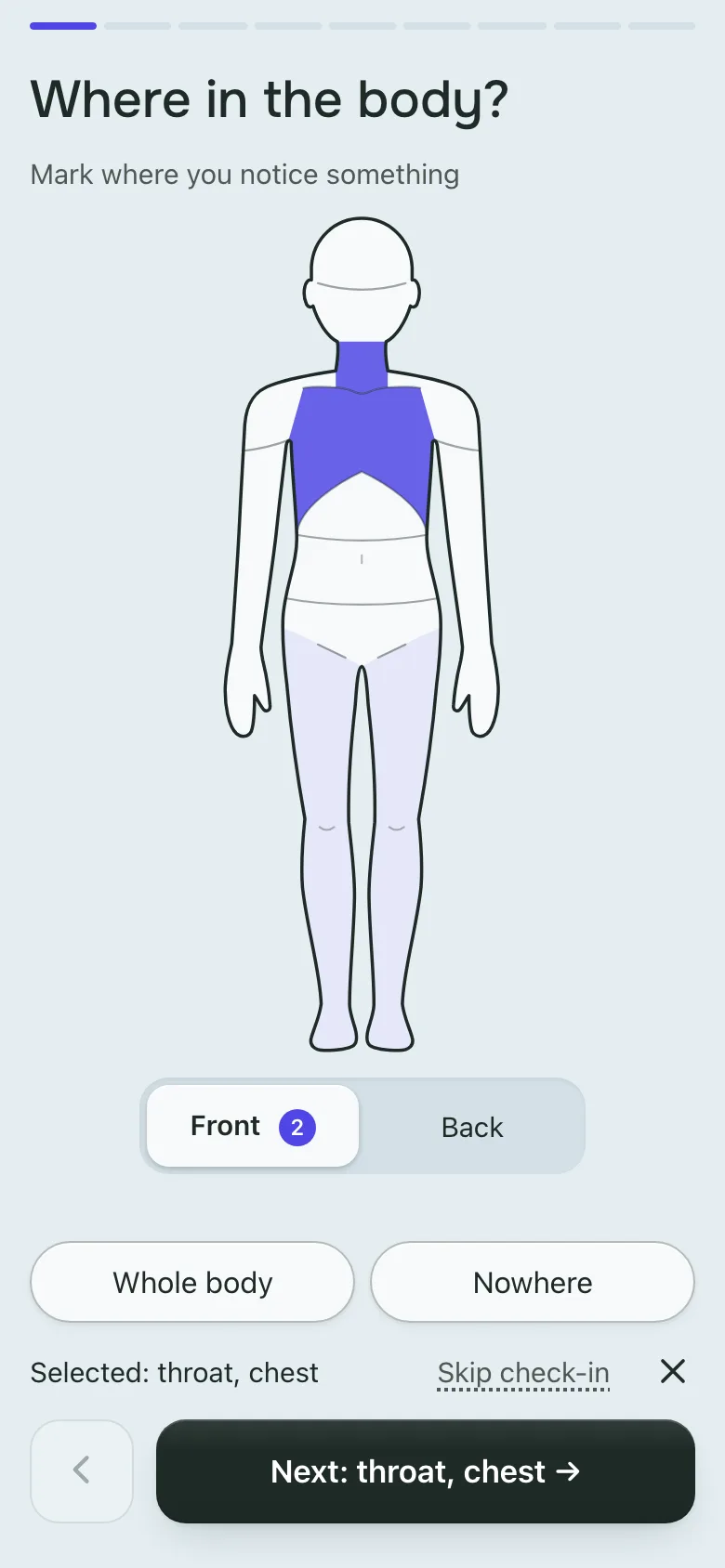
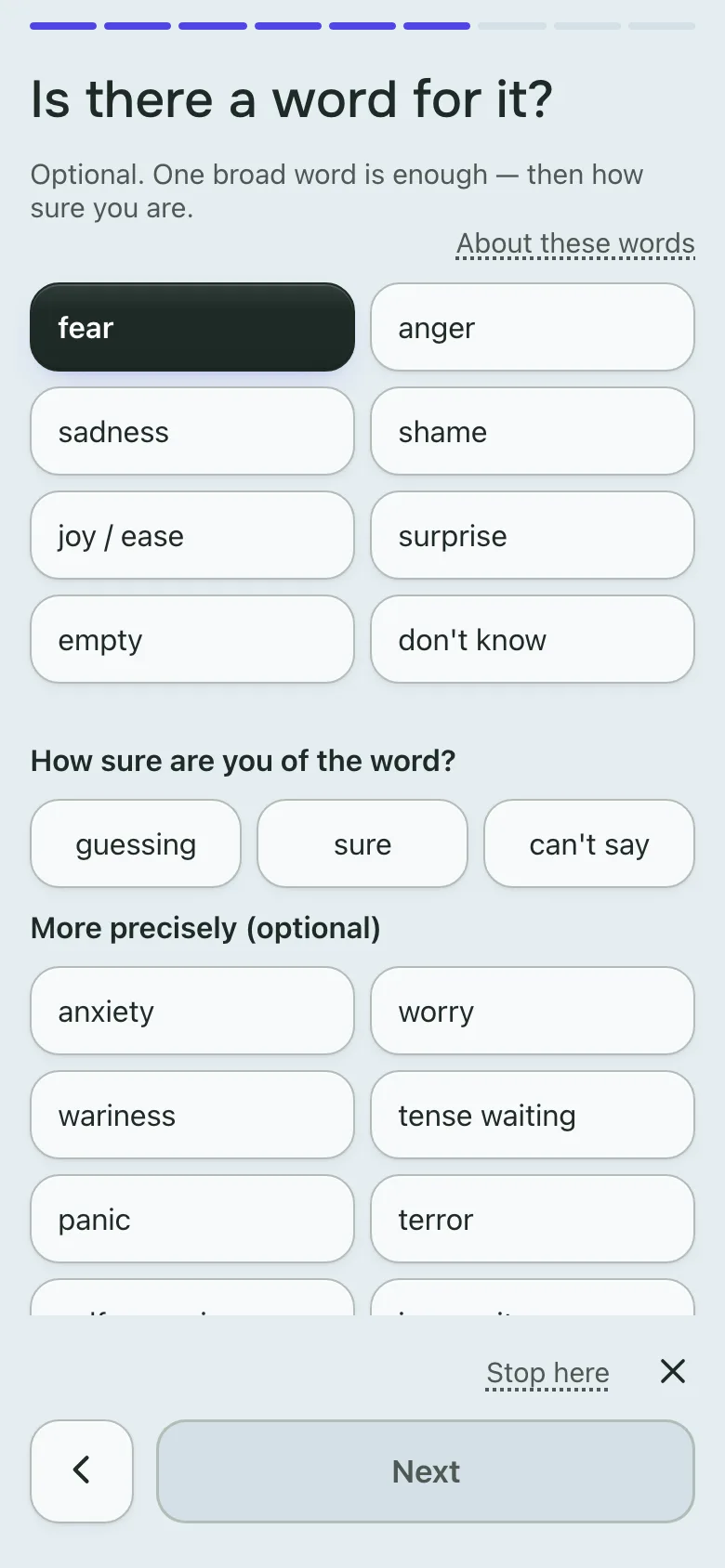
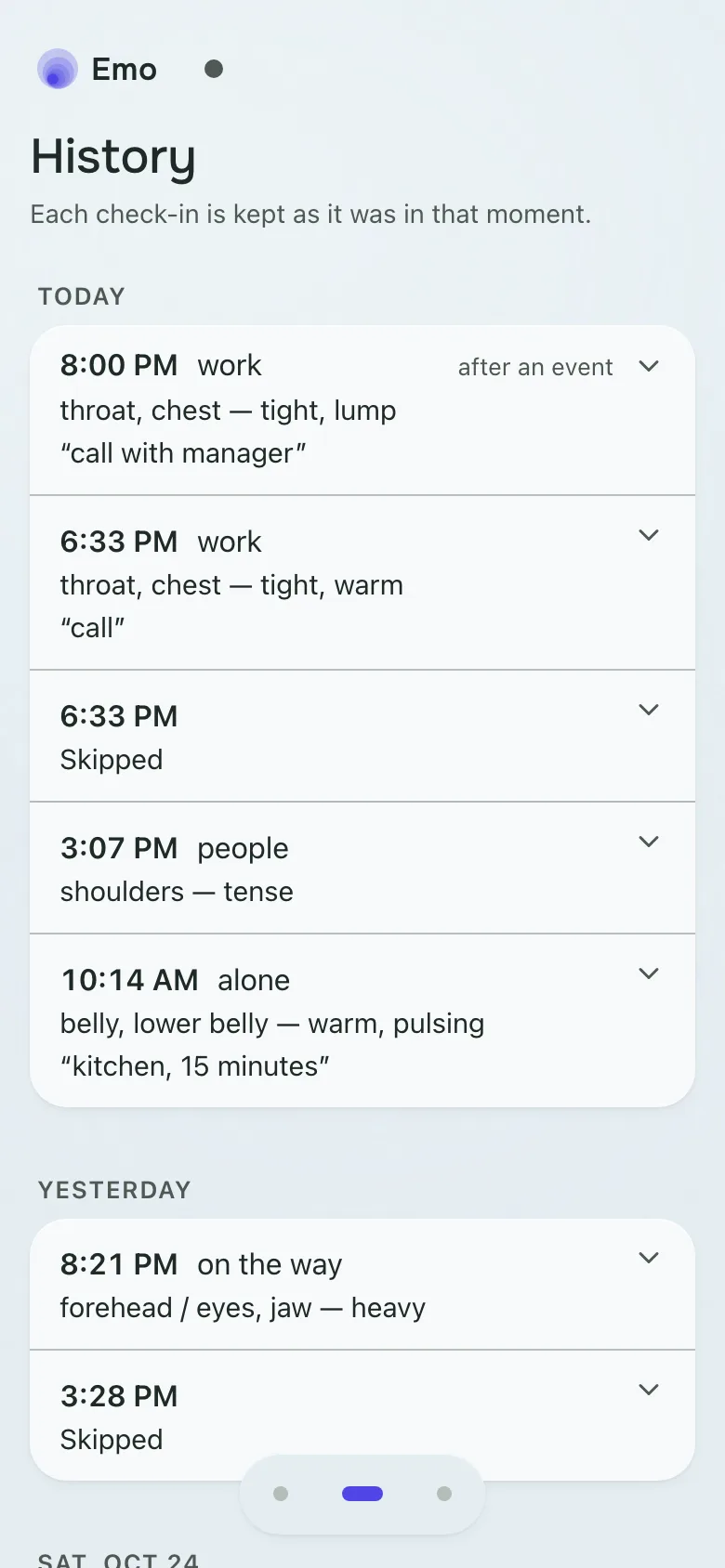
EMO is an emotion journal for anyone who wants to keep track of what they feel: a quick check-in on how and where you feel it, saved to a journal. It’s a free progressive web app at emo.podgorniy.net, open source and end-to-end encrypted.
I built this platform partly to sublimate my work on emotion recognition, and partly to sublimate my frustration with the inconvenience of modern-day web applications.
How a check-in works
You open the app and check in: how, where and in what modality you feel it. That record goes into the journal. Every term is explained and described, and the full flow takes less than a minute to complete.
The app uses a system of nudges: at random hours through the day, it nudges you to fill in a check-in.
The app doesn’t collect accounts, doesn’t try to hook you in, and doesn’t aim at engagement or other bullshit corporate criteria. It simply journals and stores the facts, without interpretation or gamification.
Built on research, readable by an LLM
The whole system is built around a set of scientific works. In this app, the psychological methodology came before the UI, the UX and the architecture.
So when you have enough data, you feed it to an LLM (the export is on the settings page; here is what each field means) along with the methodology text, and ask questions about yourself.
Privacy and encryption
The app is privacy-first and end-to-end encrypted. That means if you lose your passphrase and your recovery key, all your data is lost.
No password is needed: you sign in with a passphrase and a login code sent to your email.
Install it, use it offline
The app is optimized for all platforms: mobile, tablet and desktop. It’s a PWA (progressive web application), so it can be installed as an application on desktop or mobile.
It’s offline-first: you journal offline, and your data is synchronized when you’re back online.
Languages, themes and one-handed use
The UI is available in English, Russian and Ukrainian.
The UI settings are rich, with a bunch of themes and controls to change the appearance. In the settings there is a toggle that optimizes the app for left-handed people, moving controls to the left where suitable.
All mobile controls are aggressively optimized for one-handed use: on a phone, the controls sit in the bottom third of the screen. The goal is to be able to use the app with one hand at all times.
Open source and self-hosting
It’s open source (AGPL-3.0): github.com/podgorniy/emo. You can fork it, and you can self-host it. The Makefile and .env are optimized for hosting Docker containers on a VPS such as Hetzner. The instance I host at emo.podgorniy.net is free to use.